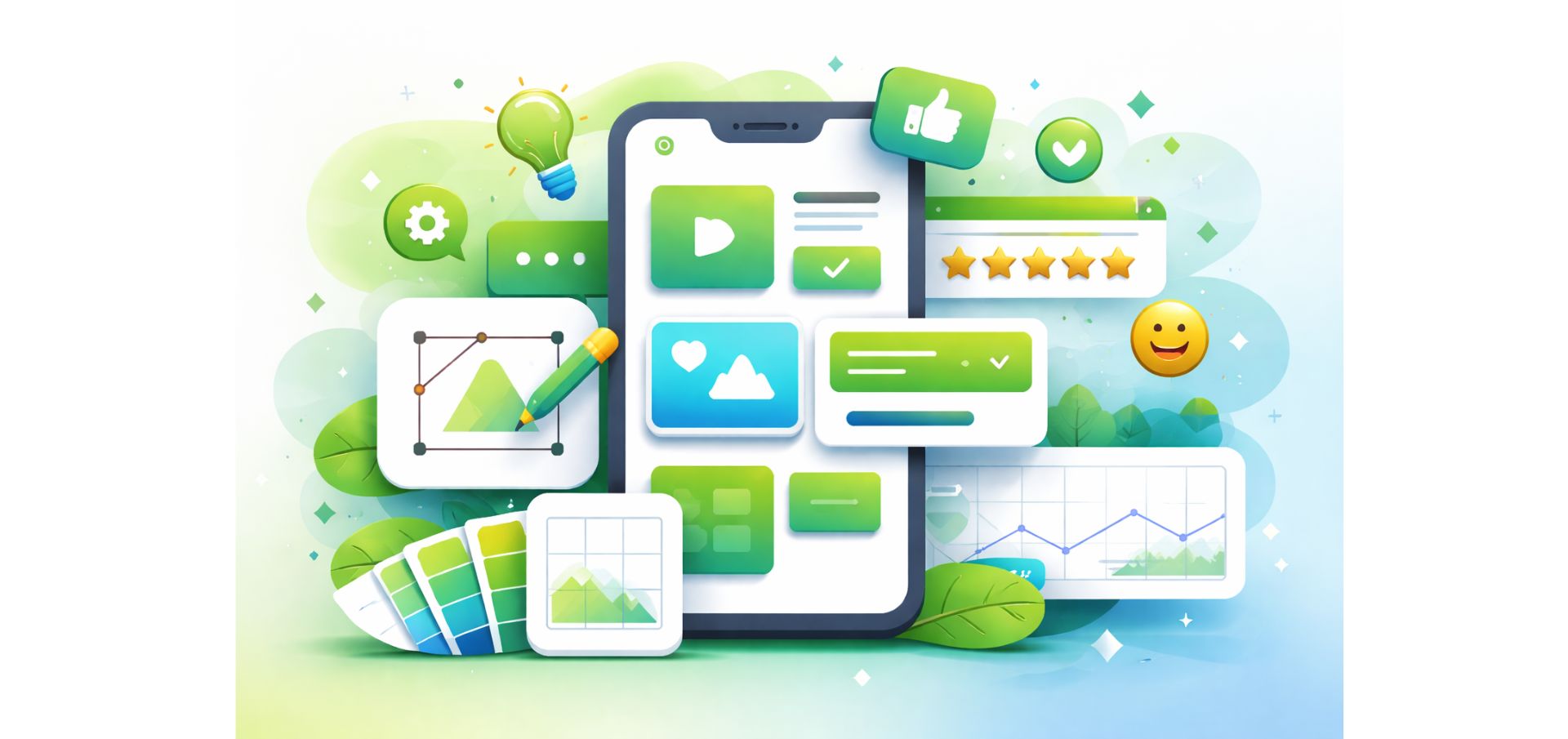

Have you ever exited a site or an app just because you didn’t know where to click next? Did the overall navigation experience feel overwhelming or confusing? If you don’t want your customers and leads to experience the same thing when navigating your site or application, then you need an effortless, intuitive, and simple UI/UX design. A professional UI and UX design is invaluable for your platform’s impact and business success, as it revolves around how your products and services are presented to and perceived by users and how they experience your brand online.
Explore our complete guide to UI/UX design, covering what it is, its benefits, core principles, and the full design process. Make well-informed decisions today by knowing all the ins and outs of user interface (UI) and user experience (UX) design.
User Interface (UI) and User Experience (UX) Explained
Understanding the meaning of UI/UX design begins with knowing what a user interface and a user experience actually are. The user interface (UI) is everything that a user sees and interacts with on a given website or mobile application, including buttons, menus, icons, colors, and fonts. It is the visual layer users navigate to move between pages or screens and use to trigger actions that the system processes in the background—shopping, contacting, and others.
As for the user experience (UX), it is the feel and impression that users experience when interacting with the website or application. A positive UX means that the interface is easy to navigate and that menus and other elements are clear and intuitive. A well-designed user experience also means that users can complete different tasks easily and effortlessly.
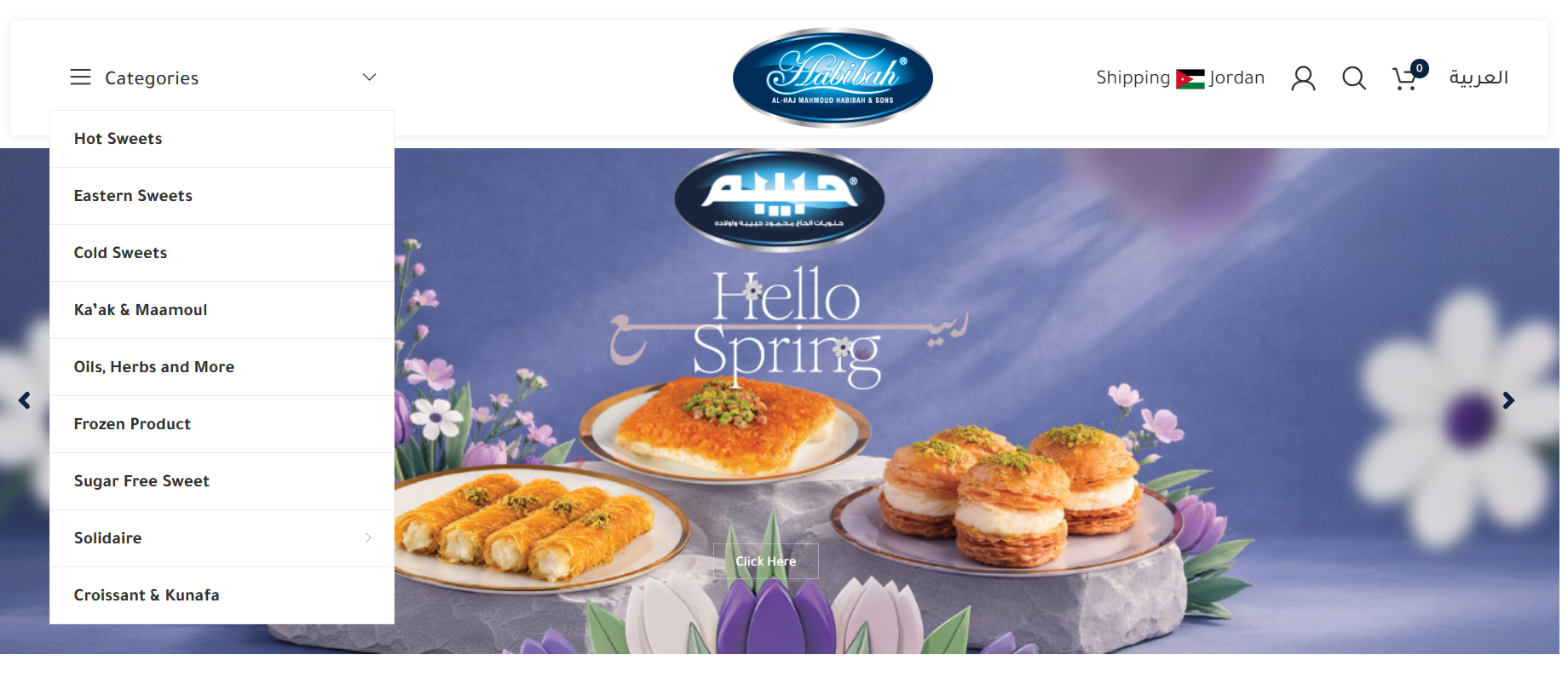
What is UX and UI Design?
User interface (UI) design is the process of designing the visual representation and interactive layout of a digital product, most commonly a website or a mobile application. The steps include creating all visual elements that users see and engage with, like buttons, colors, fonts, icons, and page layout. The main aim of UI design is to build a user interface that is attractive, engaging, and easy to use so that users move smoothly from one page or screen to another.
The process of user experience design, on the other hand, encompasses the entire user journey while using a digital product, meaning that it is concerned with how it feels for users to browse and navigate through the site or app and how easily they can complete their intended tasks. The user experience design stages involve understanding users’ needs, analyzing their behavior, designing solutions, and testing usability to further refine the overall experience.
So, what’s the difference between both?
What is UI vs. UX Design? The Fundamental Difference
While they can seem similar and even overlap at times, they are still different at their core. User interface (UI) design revolves around how the digital product looks, while user experience (UX) design is about how the product works and functions, determining how users feel when interacting with it. Despite this difference, they both work together to deliver a comprehensive, smooth, and engaging digital experience, taking user satisfaction to the next level.
Benefits of UI/UX Design: Why It Matters for Businesses
The quality of your products or services alone is not enough to drive sales and grow your business, and this is where UI and UX design steps in. With professional UI and UX design services, you transform your digital presence and grow beyond measure.
Here are some UI and UX design benefits that you cannot miss out on:
Increased Conversions & Sales
A premium website and mobile UI and UX design guides users effortlessly toward their goals, allowing them to easily complete key tasks like making a purchase, signing up, or getting in touch, ultimately boosting conversions and sales.
Refined Brand & Visual Identity
A user interface is not a random visual design, but rather a strategic representative layer that reflects a company’s visual identity. With the right UI design, your brand is authentically and professionally reflected onto your platforms, enhancing user trust and leaving a memorable and positive impression.
Reduced Bounce Rates
Users exit and bounce out of sites and apps if the interface is complicated or confusing—and make no plans of coming back. A simple, clear, and engaging site or app UI and UX design encourages users to keep on navigating, lowering bounce rates and improving performance.
Competitive Advantage
A professional user experience and user interface design can be your winning factor, drawing users and customers to your platforms rather than pushing them toward competitors. In a highly competitive market, distinctive and engaging UI/UX designs set you apart from those who overlook user experience, giving you a competitive edge.
Elevated User Experience & Satisfaction
Smooth UI and UX designs improve user engagement and enable visitors to interact with your platforms effortlessly and intuitively, creating a sense of satisfaction and ease while minimizing cognitive effort. When the user journey is seamless and satisfactory, visitors stay longer to explore your offerings, make purchases, and contact you.
UI/UX Design Core Principles: What Makes or Breaks a Great Experience
A memorable user interface and an effective user experience are built on a few fundamental concepts. So, what are the UI/UX design basics? Here are some UI/UX design basic principles that help designers build professional designs with engaging interfaces and seamless experiences:
Simplicity
Simplicity is one of the UI/UX design basic principles, ensuring a smooth, frustration-free user experience. An effective interface uses visual elements with a clear purpose, avoiding distractions and keeping the design clean—even when creative or artistic.
Clarity
All interface elements like texts, buttons, icons, and layouts should be instantly understandable. A clear website or app UI design allows users to navigate the site or app effortlessly, without needing extra guidance.
Ease of Use
User-friendliness is a UI/UX design basic principle that makes all user interactions effortless and intuitive. An easy-to-use digital product also prevents the overall experience from being overwhelming, reducing bounce rates.
Visual Harmony
Another key UI/UX principle is visual harmony and consistency, applied to colors, fonts, buttons, and all other elements across every page or screen. A cohesive, balanced design gives a professional look while creating comfort and stability as users navigate the platform.
Interactivity & Responsiveness
UI and UX designs must be interactive and respond instantly to users’ actions—clicking, scrolling, entering data, etc.—to provide a smooth experience without friction. They must also be compatible with different devices and screen sizes to ensure a consistently seamless experience.
User Feedback
Another UI/UX basic concept is user feedback, which provides visual cues to help users understand what’s happening during interactions with the site or app. This can include confirmation messages, alerts, or progress indicators that guide and reassure users throughout their experience.
User Interface and User Experience Design Process: An Overview of All Phases
To achieve professional and impactful UI/UX designs, designers follow a particular process for the best results. And although it may vary from one digital product to another, the user interface and user experience design process typically follows these stages in sequence:
Identifying Problems & Goals
The UI/UX design process starts by identifying the exact problem the website or app aims to solve, such as confusing bill payments or unclear layouts. Designers then define objectives and target users, analyze needs and behaviors, and anticipate expectations, all of which lay the foundation for a well-informed design before interface work begins.
Research & Data Collection
In this stage of user interface and user experience design, designers gather insights about users, the market, and competitors. This data grounds design decisions in real evidence rather than general assumptions, ultimately making the user experience more satisfactory.
Planning & Content Organization
In this UI/UX stage, content is organized to clarify its presentation within the digital product. A clear structure ensures smooth navigation, easy access to information, and a user-friendly interface, boosting engagement and satisfaction while reducing bounce rates.
Prototyping
Once content is organized, designers create simple prototypes that illustrate page layouts and element arrangements. These early prototypes help visualize the mobile app and web UI design, allowing ideas to be tested and refined before moving on to the minute visual details.
Visual Design
At this point of the UI/UX design process, prototypes are developed into a fully realized visual design, incorporating colors, fonts, icons, interactive elements, and all other visual details. The goal is to craft an appealing and intuitive interface that reflects the brand’s identity while delivering a seamless and enjoyable experience for users.
Testing & Improvements
Before a website or application is launched, UI and UX designs are tested thoroughly to identify any issues, spotting where amendments are needed. Proper enhancements are then implemented to resolve those problems and maintain visual appeal, peak performance, and smooth interactivity.
Launching & Monitoring
The final stage of the user interface and user experience design process is to launch the product and continuously monitor user behavior for feedback, meaning that the process doesn’t end at deployment, as further improvements can be implemented for better outcomes.
The Difference between Web and Mobile UI Designs
Although web and app UI designs share the same core principles, they differ in user behavior, as each platform is used in distinct ways. On the one hand, web user interface design is more focused on making information easily accessible across all devices and screen sizes, in addition to smooth navigation on internet browsers.
On the other hand, designing a mobile app interface relies more on direct touch interaction, simplified workflows, and delivering a faster, more personalized experience. Therefore, distinguishing between both web and app UI designs is an essential step in creating professional designs for each platform.
The Most Commonly Used Professional Tools for UI/UX Designs
Here is a selection of the most common and significant UI and UX design tools that transform visions into actionable prototypes and enjoyable digital experiences:
- Figma
- Adobe XD
- Sketch
- InVision
- Zeplin
- Axure RP
- Balsamiq
- Framer
FAQs on UI/UX Design: Further Details
Here are the most commonly asked questions about UI and UX design and their answers:
What does a user interface do?
User interfaces enable users to interact with a website or a mobile application easily and efficiently through various visual elements, such as buttons, menus, and forms. They make it simple and effortless for users to access information and complete different tasks on a given platform. In essence, user interfaces help deliver a satisfying and smooth user experience.
What is the difference between a web developer and a UI designer?
A UI designer focuses on the website’s visual appearance and ensures its design is intuitive and easy to use, while a web developer is responsible for coding the website and turning the design into a fully functional site.
Is UI/UX design essential for small businesses?
Yes, UI and UX design is crucial for all businesses, including smaller ones, as it helps attract users, build trust, and drive market growth right from the start.
What are some common UI design mistakes?
Some of the most common mistakes in user interface (UI) design are overcrowding the page with visual elements, poor readability, low contrast, and lack of responsiveness across different screen sizes and devices, eventually leading to a confusing and inefficient user experience.
Is UI or UX coding?
The user interface and user experience design processes do not involve coding. Writing code is within the developers’ scope of work, while UI/UX designers are responsible for the site’s or app’s visual layer, which does not require coding.
What does a UI designer actually do?
UI designers create each screen of an app’s or website’s interface, working on visual elements like fonts, buttons, and colors as well as the layout, content organization, and spacing of each screen individually and collectively, ensuring they are coherent and balanced as one unit.
EvoKey: Where Design Delivers Experience
UI/UX design is critical for your success and business expansion—stand out from the crowd today and become easily distinguishable from your competitors with user-friendly, attractive, and intuitive UI and UX designs. Transform your vision into a professionally designed interface and carefully crafted user experience with EvoKey, taking your digital presence to the next level.
At EvoKey, we offer you expert UI/UX design services that meet international standards and fulfill your niche needs. No matter where you are, we help you accelerate your growth, boost your brand online, and attract and retain users with the best UI/UX designs.
Contact us today to get started.